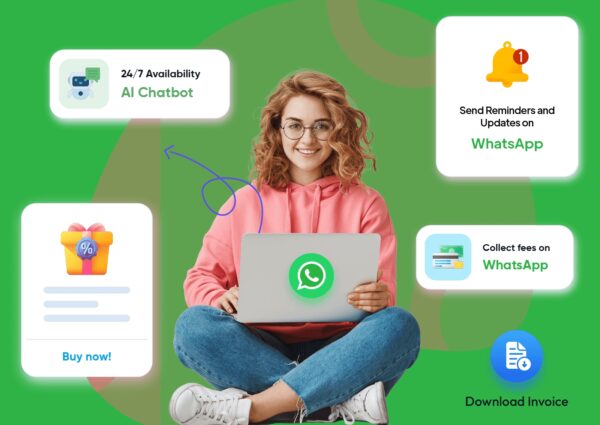
WhatsApp Business API
The WhatsApp Business API (officially called the WhatsApp Business Platform) is an enterprise-grade solution that allows medium-to-large businesses to send and receive messages on WhatsApp at scale. Unlike the standard WhatsApp Business app, it has no user interface and must be integrated into CRMs, helpdesks, or chatbot software

Launch Faster, Spend Smarter
The WhatsApp Business API drives cost savings by replacing expensive traditional channels (like SMS and call centers) with AI-powered automation, 24-hour conversational windows, and targeted session pricing.
Free Reply Windows
Extended Free Windows from Ads
No Pay-per-Message for Replies
Our No-Code Process
Unlimited Scalability
Unlike the standard WhatsApp Business app, the API supports unlimited team members and massive message volumes, making it perfect for handling thousands of daily inquiries.
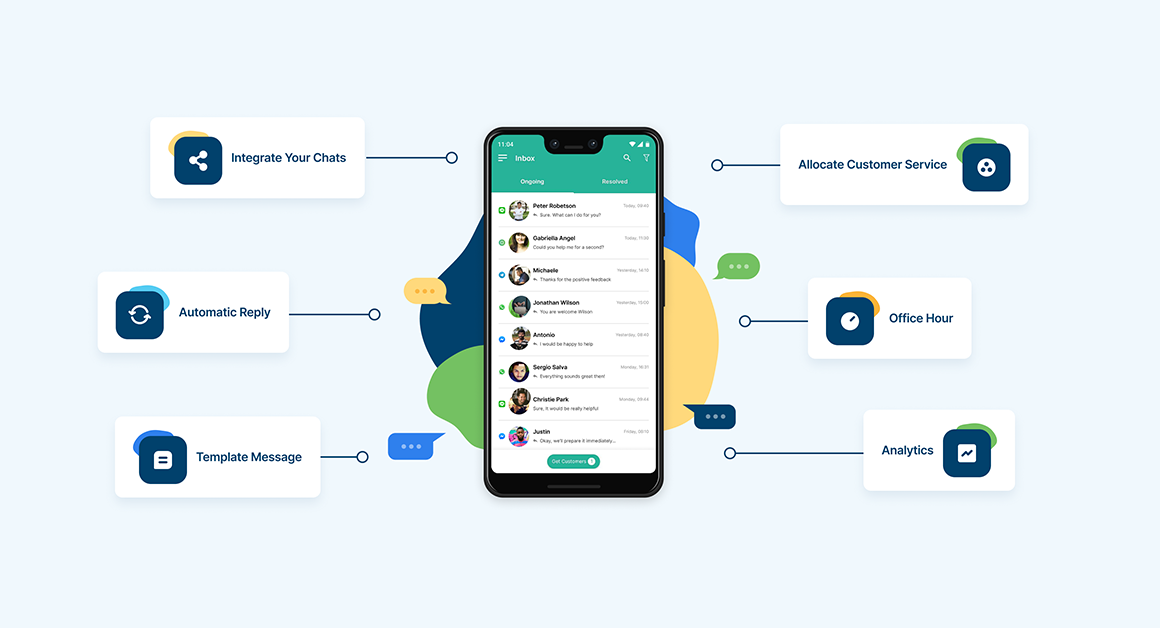
Advanced Automation & Chatbots
Deploy smart chatbots to answer FAQs, qualify leads, and guide users through purchasing or booking funnels 24/7 without human intervention.
Seamless System Integrations
Connect directly with your tech stack (e.g., Salesforce, HubSpot, or Shopify) to centralize customer data and track conversions (like cart additions or checkouts) in one place.
Frequently Asked Questions
- WhatsApp Business App: A free, downloadable app intended for small businesses. It is limited to one device and basic automation.
- WhatsApp Business Platform (API): Built for scalability. It has no standalone interface and requires integration with a CRM or a conversation management platform. It allows unlimited simultaneous logins, chatbots, and broadcast messaging.
Meta charges on a conversation-based pricing model, structured in fixed 24-hour sessions. Rates vary depending on the country and the category of conversation (e.g., Marketing, Utility, Authentication, or Service). Inbound conversations initiated by the user and within the 24-hour window are usually free.
- Yes, but with strict rules. You can send bulk broadcasts, but recipients must have explicitly opted-in to receive messages from your business.
- All outbound marketing and promotional messages require pre-approved message templates.
- To protect users from spam, you can only send free-form, conversational messages to a user for 24 hours after their last message to you.
- If the 24-hour window lapses, you must use a pre-approved Message Template to re-engage the customer.
- The coveted green tick signifies an Official Business Account (OBA). You can only apply for this verification after your business has completed Meta Business Verification and upgraded to higher messaging tiers.
- Meta grants this badge based on the authenticity and notability of your brand.
Yes. Explicit user opt-in is mandatory before you initiate any conversation or send marketing or utility messages. You can collect opt-ins through checkboxes on your website, via SMS, or when a customer interacts with your business.
- When you start, your account is placed in Tier 1, which limits you to sending messages to 250 unique customers in a rolling 24-hour period.
- As you maintain a high sender quality rating and scale your volume, your account automatically upgrades to Tier 2 1,00. Tier 3 10,00 or Tier 4 (unlimited).
- This tier stages are defined by meta only, this cant be changed at user level manually.